The atelier, in your pocket.
Photograph a garment on the shop floor and get campaign frames before you are back at your desk. Dress a real customer in your product. Measure a piece from one photo. Plan the next drop. Everything you do on the phone is in your studio on the desktop, and the other way round.
 Coming soonApp Store
The Android app is live on Google Play. The iPhone app is in private beta; the App Store release is coming soon.


Your product, on your customer.
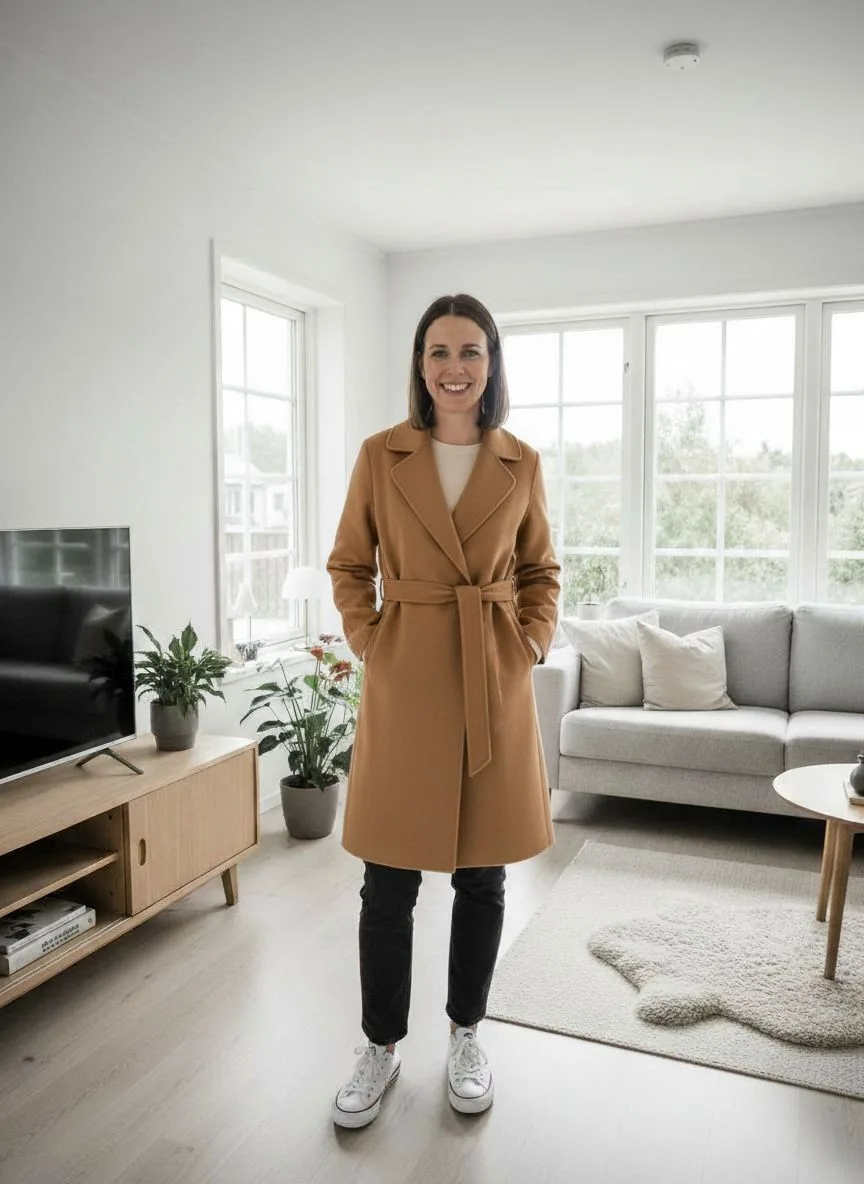
A customer in your shop, or on a video call, sends a photo of herself. You pick the piece from your catalogue. Seconds later she sees herself wearing it — same face, same room, same light. It is not a model and not a mock-up: it is her, in your coat.
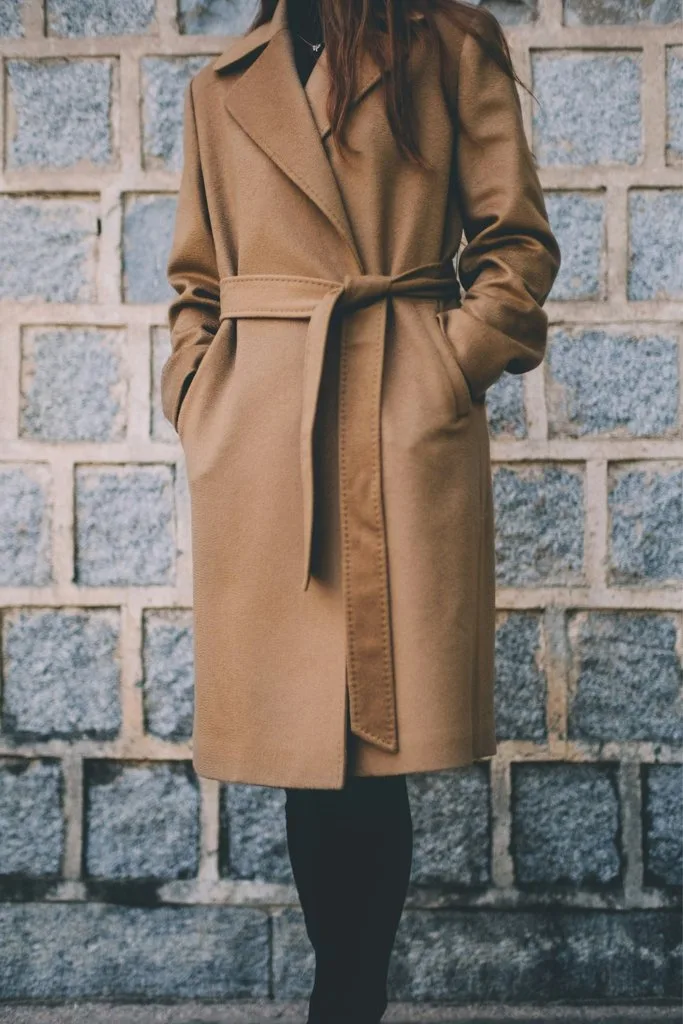
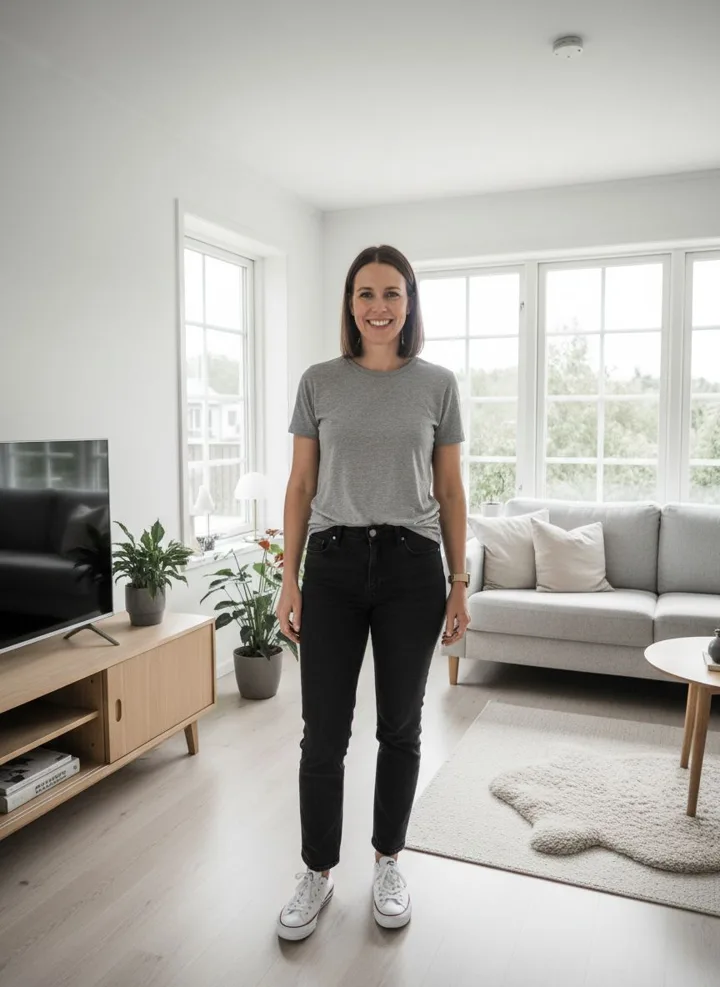
Example made on 27 September 2026 with the same try-on engine the app uses. The coat is a real product photo; the customer photo is AI-generated, so no real person is shown.
The person's photo is stored in a private folder that is never public, and is deleted with the result after 24 hours. The app asks for the person's consent every time.
If the engine returns the photo unchanged, it tries again on its own; if it still cannot place the garment, you get your frame back.
A try-on uses one frame of your monthly plan. No separate subscription, no extra app for the customer.
# 1 · the person's photo goes to a private folder (deleted after 24 h)
curl -X POST https://ateliernoir.ai/api/v1/uploads \
  -H "Authorization: Bearer $AN_KEY" \
  -F "purpose=tryon" -F "file=@customer.jpg"
# → { "url": "tryon:org_…/1790….jpg" }

# 2 · dress the person in your product (1 frame)
curl -X POST https://ateliernoir.ai/api/v1/tryon \
  -H "Authorization: Bearer $AN_KEY" -H "Content-Type: application/json" \
  -d '{ "person_ref": "tryon:org_…/1790….jpg",
        "garment_url": "https://ateliernoir.ai/storage/uploads/…/coat.jpg",
        "consent": true }'
# → { "id": "cmuk…", "status": "queued" }

# 3 · ask for the result
curl https://ateliernoir.ai/api/v1/tryon/cmuk… -H "Authorization: Bearer $AN_KEY"
# → { "status": "completed", "result": "https://…/frame-001.jpg",
# "expires_at": "…" }Lay it flat. Get the size chart.
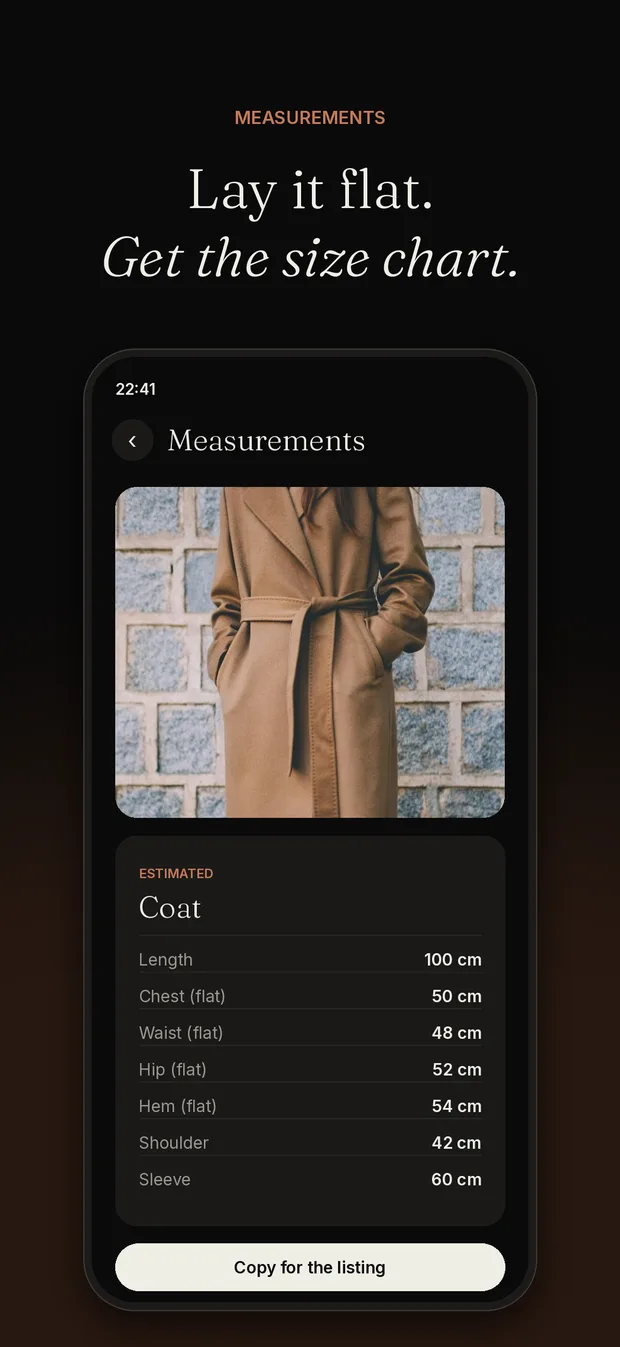
Put the garment on a table with an A4 sheet next to it and take one photo. The studio recognises the piece and returns the measurements that apply to it — length, chest, waist, hips, hem, shoulder, sleeve, inseam, rise — in centimetres, ready to paste into the listing. On a mannequin, tell it the dress-form size instead.
- ✓ Each result says how sure it is (low, medium, high) and why
- ✓ It never invents a reference that is not in the photo
- ✓ Included in every plan — it does not use frames
curl -X POST https://ateliernoir.ai/api/v1/measure \
  -H "Authorization: Bearer $AN_KEY" -H "Content-Type: application/json" \
  -d '{ "image_url": "https://ateliernoir.ai/storage/uploads/…/coat-flat.jpg",
        "reference": "a4" }'
# reference: "a4" (an A4 sheet in the photo) · "mannequin" (+ "mannequin_size": "38") · "none"
# → { "garment": "coat",
#     "measurements": { "length": …, "chest_flat": …, "shoulder": …, "sleeve": …, … },
# "confidence": "high", "note": "…" }Every drop, and what is still missing.
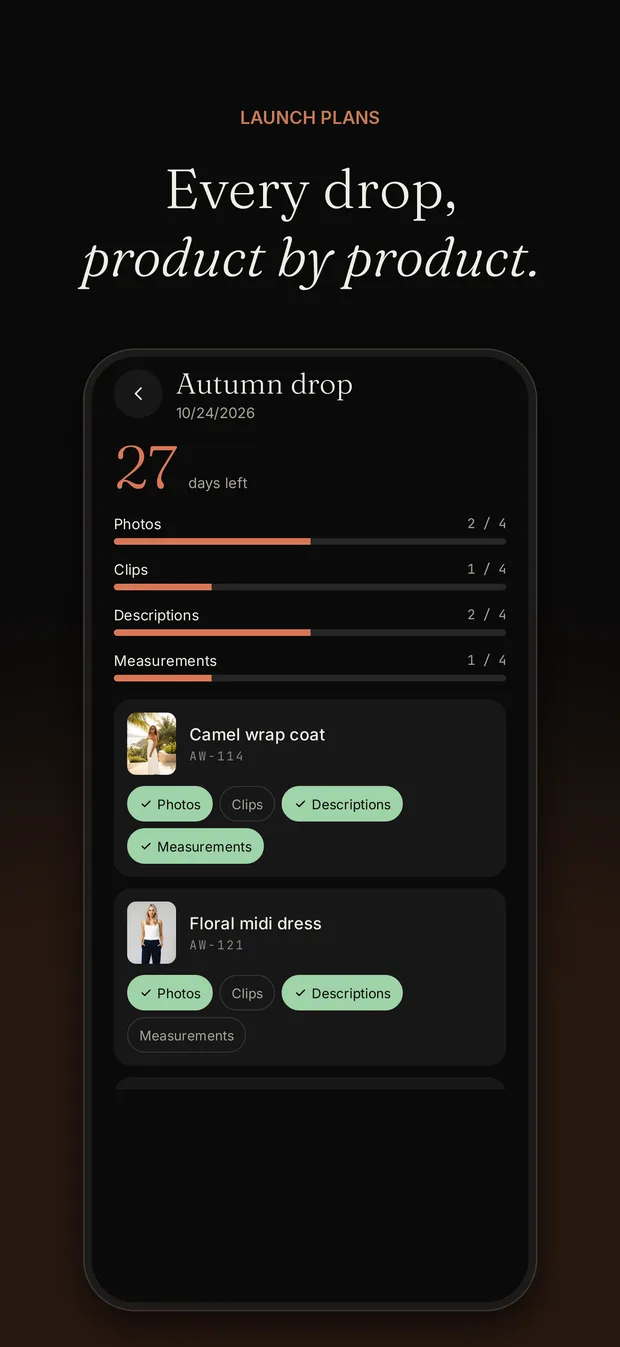
A collection, a launch date and its products. For each product: photos, clips, description, measurements — ticked as they are done. Link a product to its campaign and the photos tick themselves when the frames are ready. The countdown and the progress bar are the same on the phone and in the studio.
# a collection with a date
curl -X POST https://ateliernoir.ai/api/v1/launches \
  -H "Authorization: Bearer $AN_KEY" -H "Content-Type: application/json" \
  -d '{ "name": "Autumn drop", "launch_date": "2026-11-01" }'

# a product in it, then tick what is ready
curl -X POST https://ateliernoir.ai/api/v1/launches/{id} … -d '{ "title": "Camel coat", "sku": "AW-114" }'
curl -X PATCH https://ateliernoir.ai/api/v1/launches/{id}/items/{item} … \
-d '{ "description": true, "generation_id": "cmuib…" }' # photos tick themselves when the campaign is doneAnd the rest of the studio, on the go.
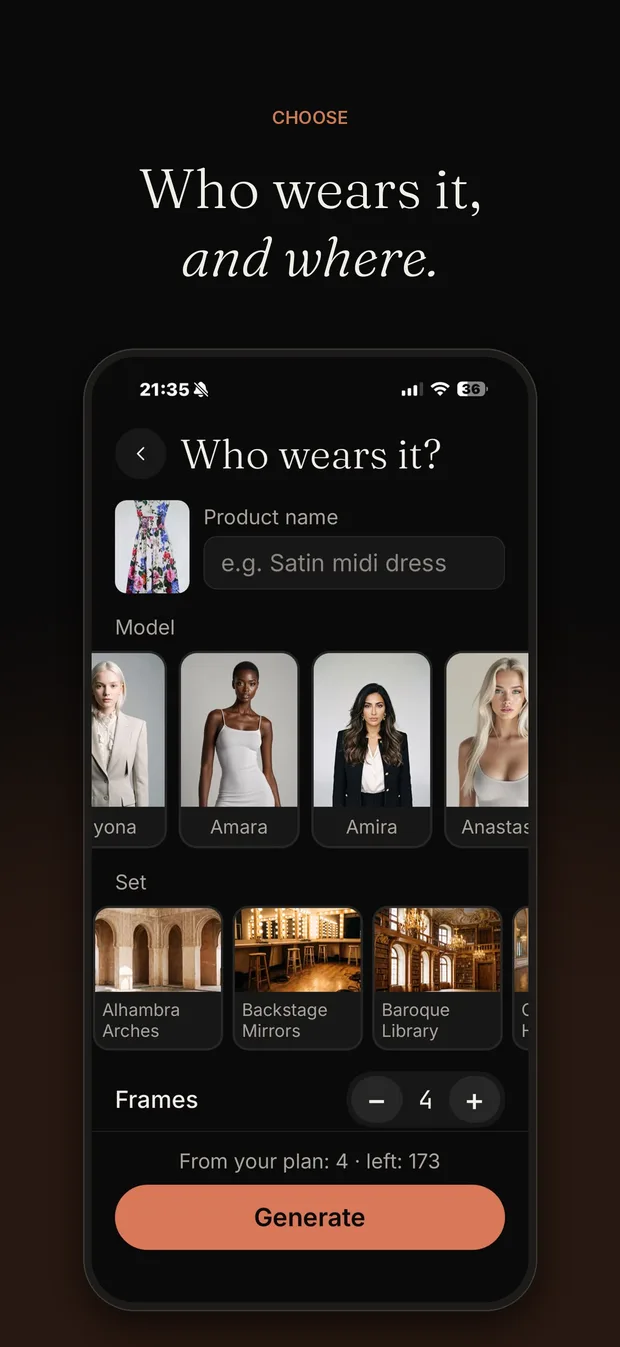
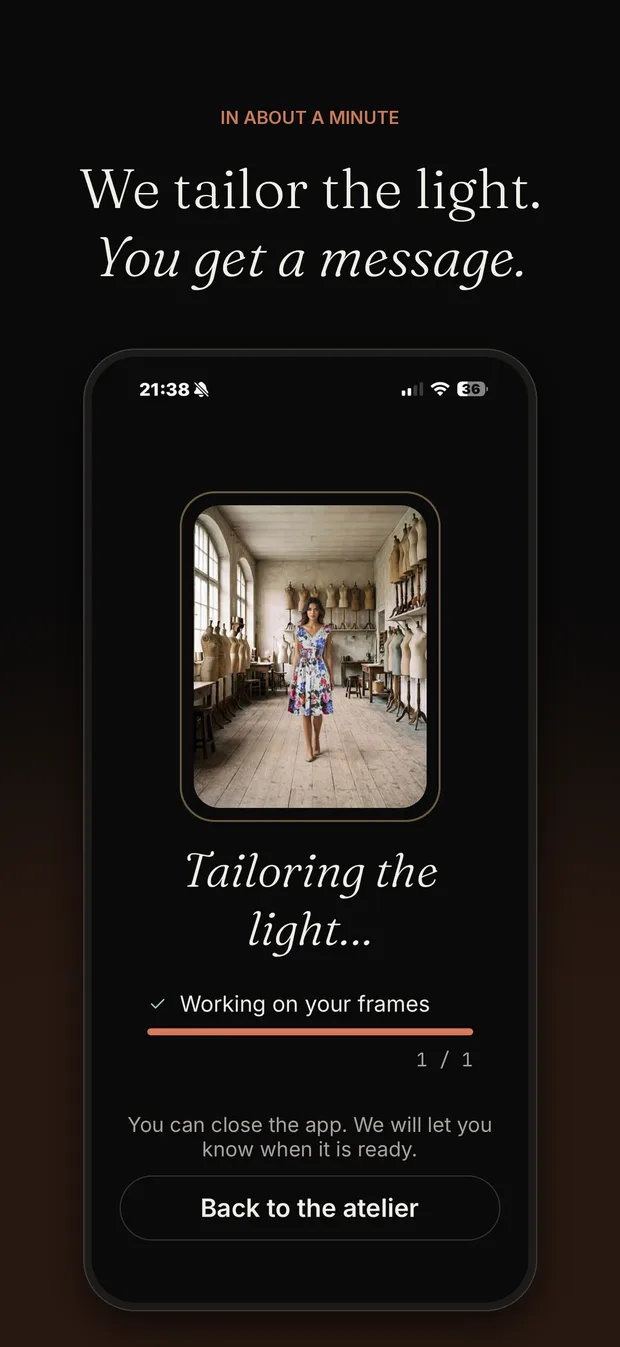
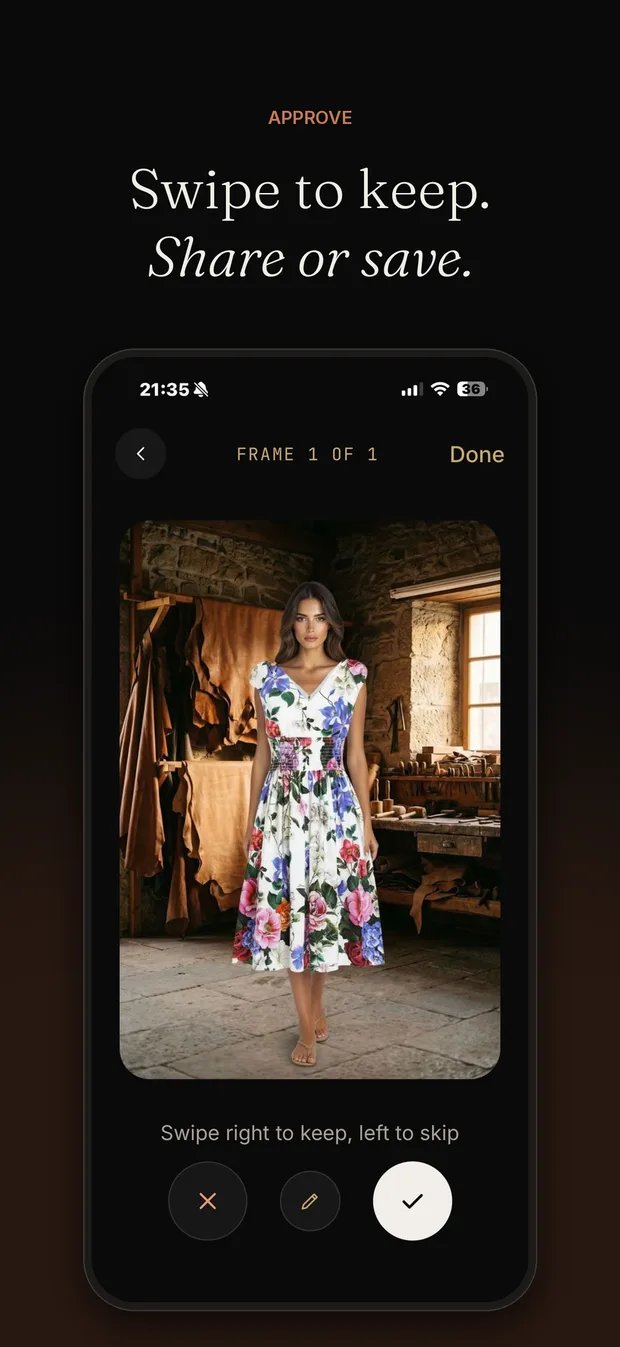
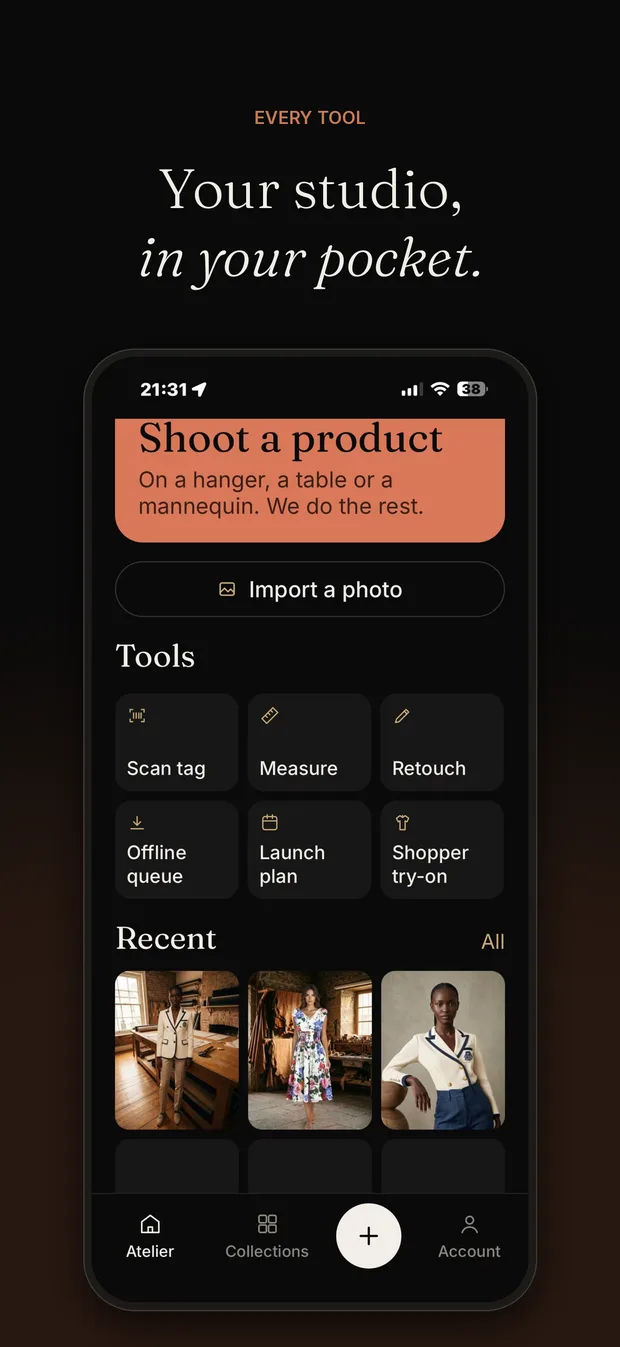
Photograph the piece with the phone camera, choose a model and a set, and the frames arrive in the app — with a notification in your language when they are ready.
In a showroom basement or on a plane, photos wait in a queue on the phone and leave by themselves when the connection is back.
Scan the label, the app finds the product in your Shopify store by SKU or barcode, and sends the chosen frame straight to its product page.
Ask our retouchers for a fix on any frame and follow the request until the finished frame comes back.
Campaigns, launch plans, try-ons and retouches are the same on the phone and on the desktop. Signed-in phones are listed in Settings, where you can sign any of them out.
Share frames, clips and the 9:16 film from the phone's share sheet, or save them all to Photos. The app writes the post text in your language — you copy it and post it yourself.
Now on Android. Soon on iPhone.
Every tool of the app already works in the studio on your desktop — try-on, measurements and launch plans included.
Coming soonApp Store